Business systems integration.
When different systems contain the information a company needs but cannot exchange it with one another, people end up manually doing the work technology should be doing.
Lyrvanta designs integrations so applications, ERP systems, APIs, databases and other platforms can exchange information in a controlled, traceable way aligned with the real operation.
Let us review whether your systems can connect →DISCONNECTED SYSTEMS
Disconnected systems end up creating work around the software
A company can have good tools and still suffer from fragmented operations.
The ERP works.
The CRM works.
The internal application works.
The providers platform works.
The problem appears between them.
Someone downloads a file. Another person transforms the data. Someone uploads the information again. Records in two places are compared. Differences appear. They must be corrected. And the same cycle starts again.
In that scenario, the problem is not necessarily the absence of another system.
The existing systems may simply need to work together.
COST OF FRICTION
The cost is not only in copying and pasting
Capacity to process more volume without increasing administrative work
The speed at which information reaches the people who need it
Data consistency across different areas
Visibility into the actual state of an operation
Dependence on people who know the manual steps
The number of points where an error can occur
Reconciliation and verification time
And the ability to automate downstream processes.
The right information should reach the right place at the right time, with enough controls to trust it.
HUMAN MIDDLEWARE
Your team should not operate as human middleware
When a person has to move information from one system to another so a process can continue, that person is acting as a manual integration layer.
That may be tolerable once. When it happens dozens, hundreds or thousands of times, it becomes wasted operational capacity.
Integration seeks to eliminate that work when there is a technically and commercially reasonable way to do so.
SIGNALS
Signals that an integration problem may exist
The same information is entered more than once
A piece of data already exists in one system but must be entered manually again in another.
Excel acts as a bridge between applications
Exporting, modifying and uploading files again becomes a normal part of the process.
Different areas have different versions of the information
One system says one thing while another shows something different.

Recurring reconciliations are required
People compare sources to determine which record is correct.
An update depends on someone remembering to do it
One system does not know what happened in another until a person intervenes.
Reports require manual information gathering
The data exists, but it is distributed across different platforms.
Automating a process seems impossible because of disconnected systems
The logic may be clear, but the required information is fragmented.
When several of these situations appear together, the architecture is worth reviewing.
BEFORE REPLACING
Integrate before replacing when it makes sense
Replacing a business platform can be expensive. Not only because of licensing or development.
It also involves data migration, training, process changes, existing integrations, operational risk, team resistance and dependence accumulated over years.
That is why our first question is not: “Which system should we replace?”
It is: “Can we make proper use of what already works?”
If a platform performs its primary function well and provides suitable mechanisms to connect, integrating it can make much more sense than replacing it.
METHOD
How we evaluate an integration
We understand the business process+
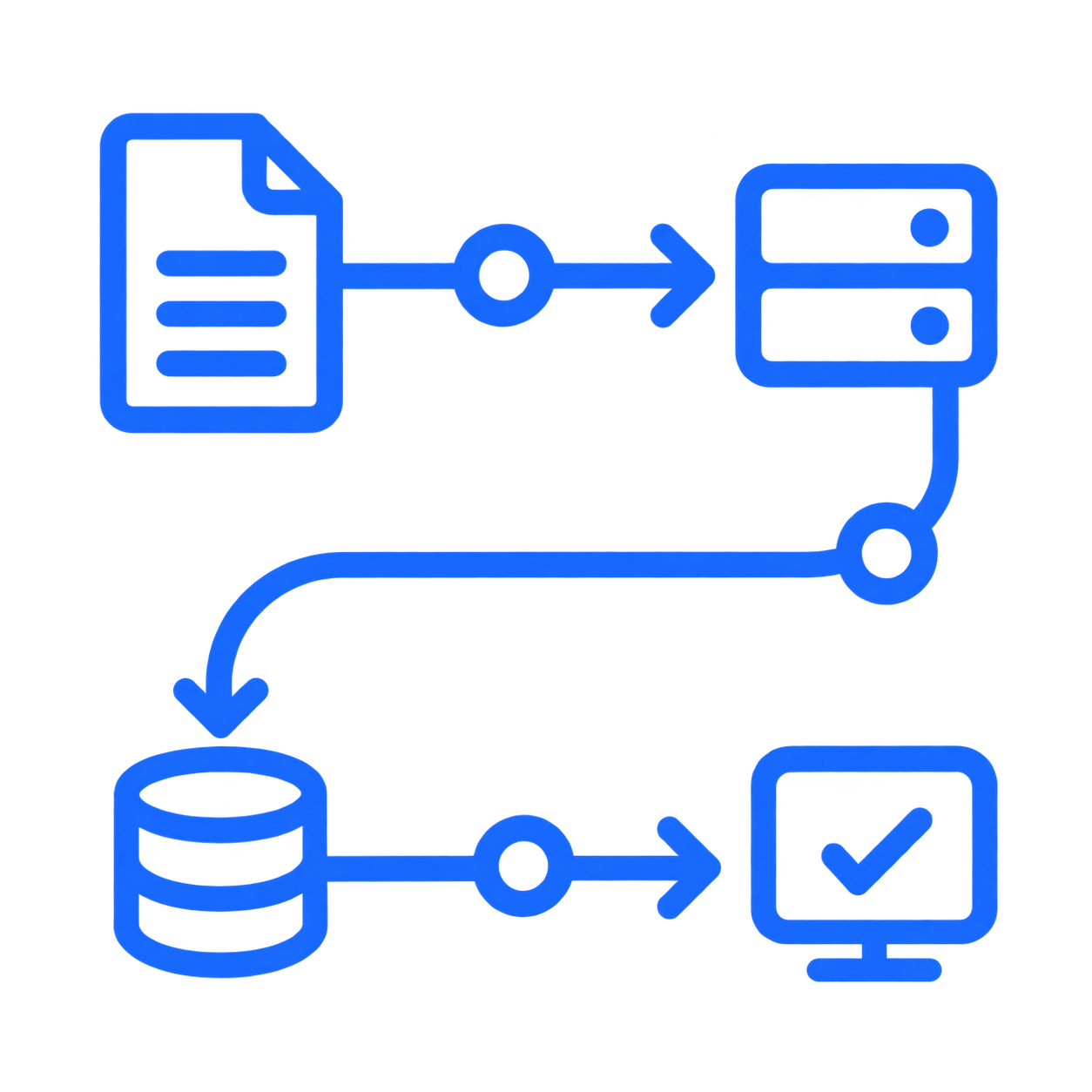
Before discussing APIs, we need to understand why information must move: what event starts the flow, which system originates the data, who uses it and what outcome the operation expects.
We identify sources of truth+
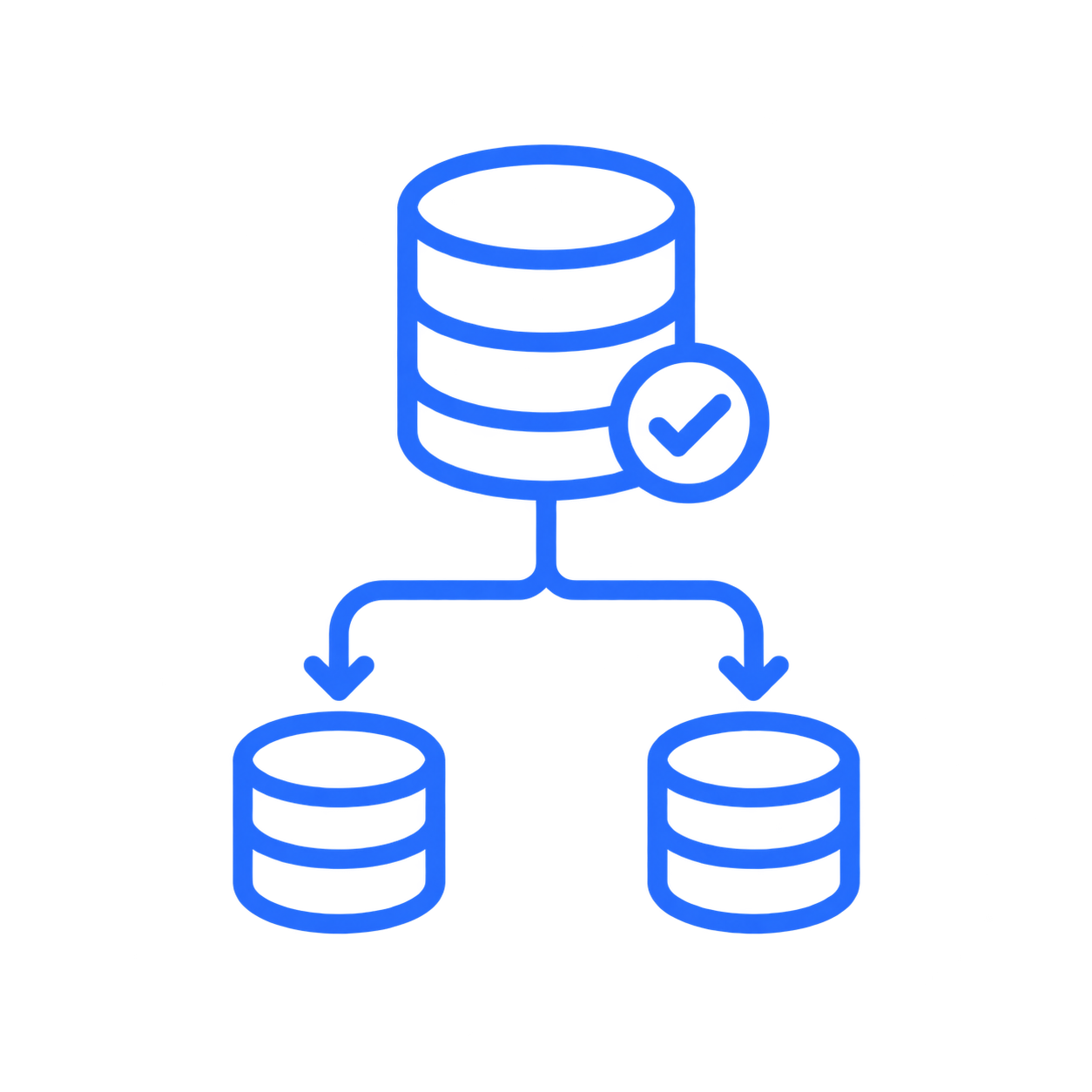
Not every system should have authority over the same information. We define where each piece of data originates and which applications should consume it.
We review real technical capabilities+
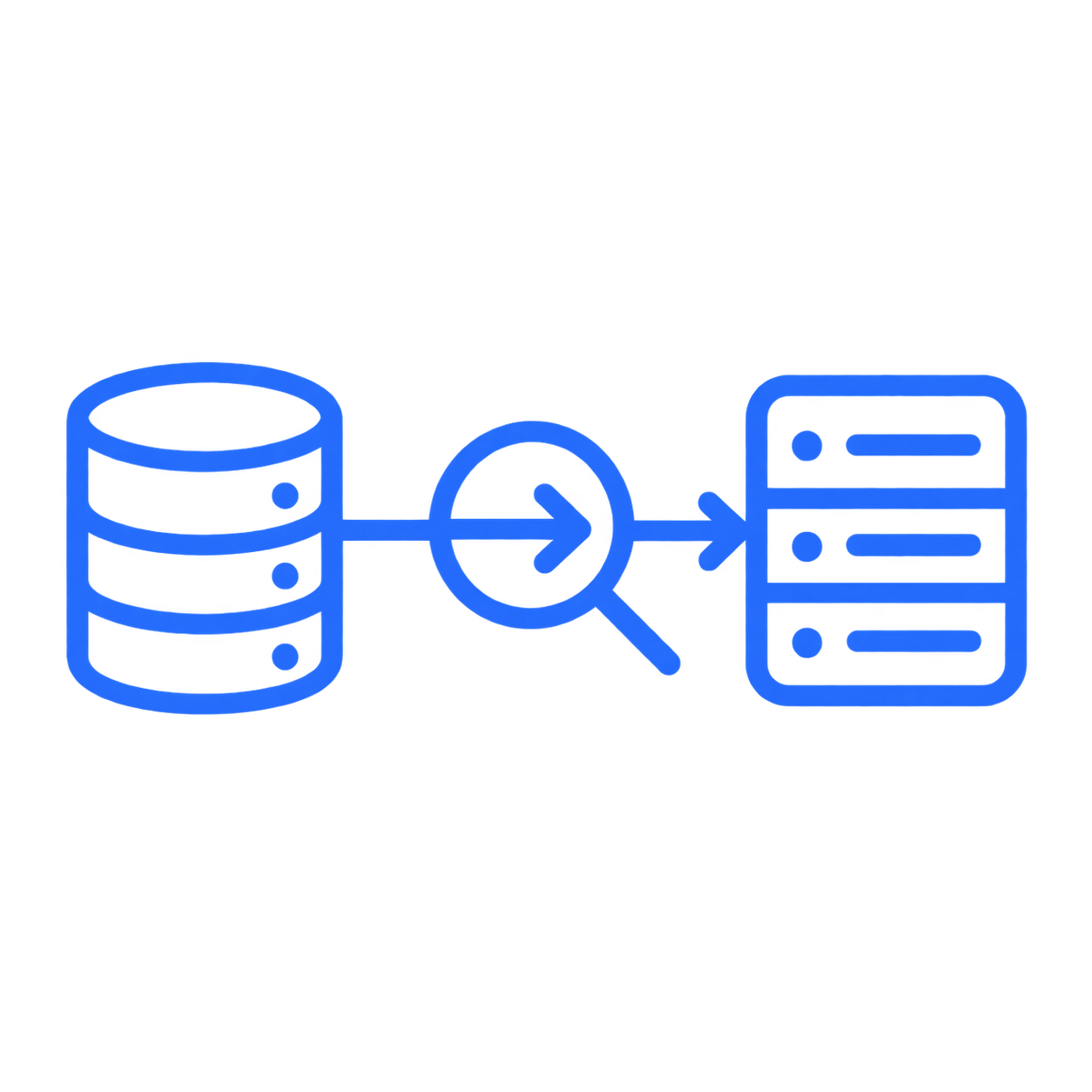
APIs, webhooks, databases, structured files, integration services, exports, imports and mechanisms authorized by providers. We do not assume an integration exists until we verify it.
We design rules and transformations+
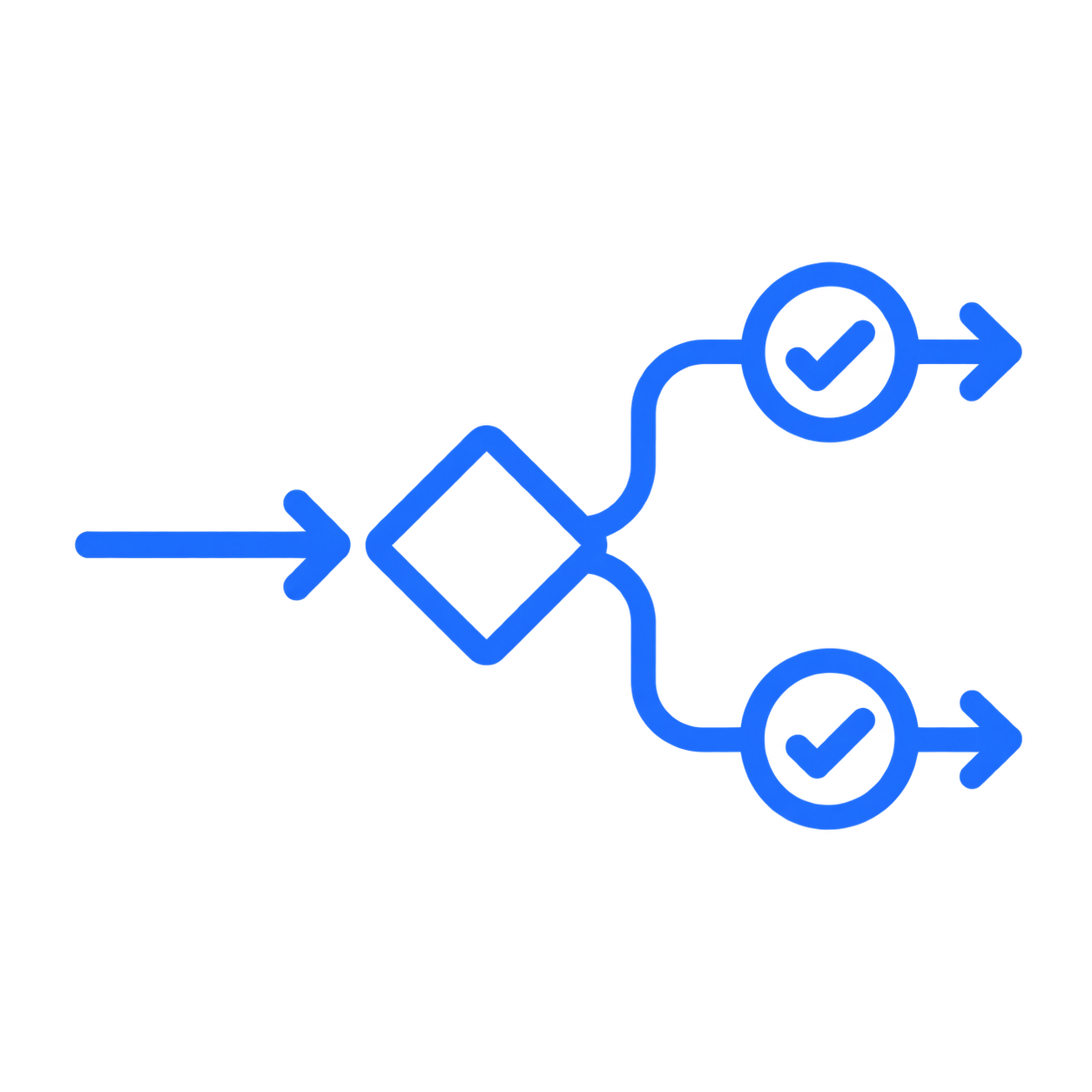
It may be necessary to map identifiers, statuses, fields, formats, catalogs, units, dates, currencies or business rules.
We design what happens when something fails+

There must be a strategy to detect, record, retry, reconcile or escalate the problem as appropriate.
We implement traceability+

We need to know what was received, what was transformed, what was sent, when it happened, what result it produced and what needs attention.
We validate against real scenarios+
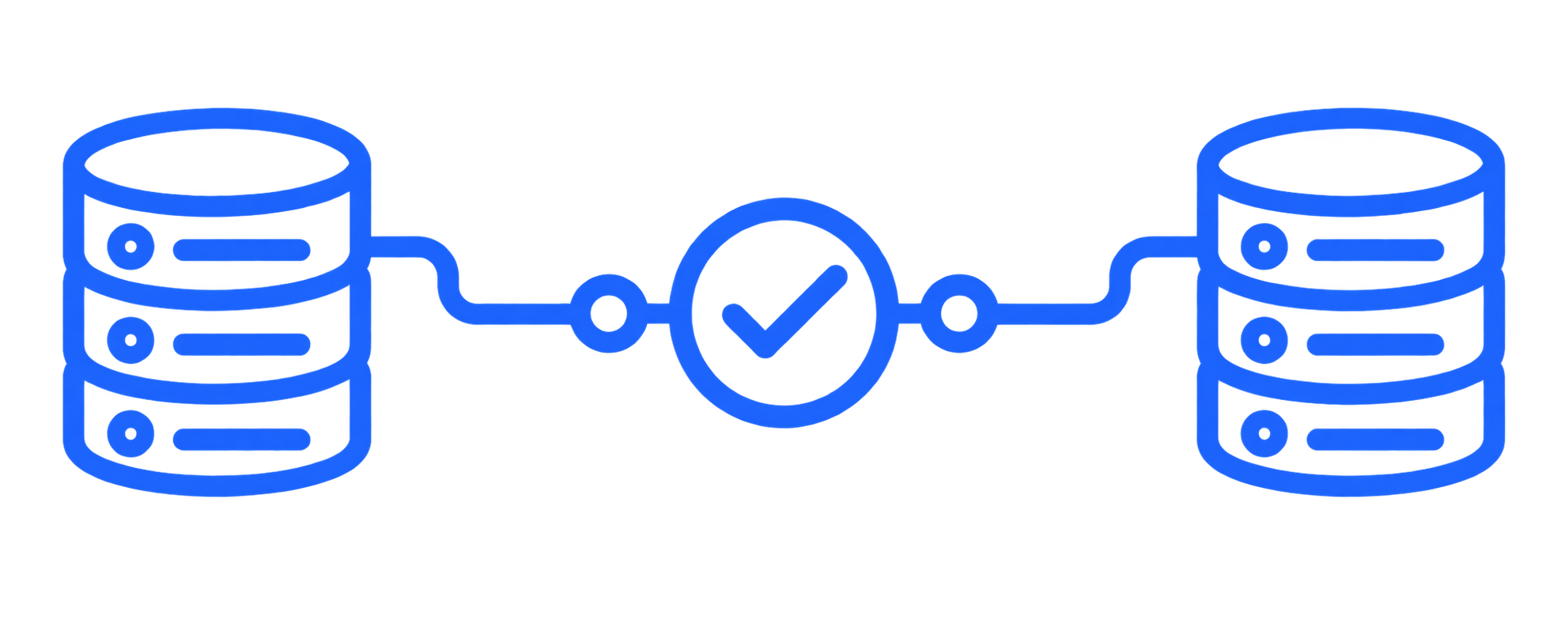
Not only the perfect case. We also test duplicates, incomplete data, interruptions, retries and exceptions.
APIs
Integration through APIs
An API allows different applications to exchange information through a defined interface. When a suitable API exists, it is usually one of our first options because it enables structured and controllable flows.
Query information
Register data
Synchronize statuses
Create transactions
Update records
Receive events
Send documents
Trigger downstream processes.
But having an API available does not automatically mean the integration is simple. Authentication, permissions, limits, data model, errors, availability and actual behavior must be validated.
ERP
ERP integration
ERP systems often concentrate critical company information: purchasing, inventory, accounting, customers, suppliers, billing, operations or resources.
We can evaluate integrations so other processes exchange information with the ERP without depending on duplicate data entry or manual files.
We do not promise integration with a specific system without first verifying how it allows connection.
ALTERNATIVES
An API does not always exist
We can evaluate structured files, controlled imports and exports, authorized databases, structured email, vendor-supported mechanisms or interface automation when viable and authorized.
Our priority is to choose the most reliable and maintainable mechanism available, not the most impressive one.
ARCHITECTURE
Integration does not mean synchronizing everything with everything
More connections do not mean better architecture. We define what information should be shared, in which direction, how often, which application retains authority and what happens when an inconsistency exists.
The goal is not to build a technology spiderweb. It is to reduce friction without losing control.
FAILURES
Errors are also part of the design
Systems may fail to respond, reject a request, return incomplete information, duplicate an event or become temporarily unavailable.
We evaluate controlled retries, idempotency, validations, error logging, queues, reconciliation, alerts and human review when appropriate.
DATA
Consistent data, not merely connected data
Moving incorrect information faster does not create value.
Before integrating, it may be necessary to review data quality, identifiers, duplicates, catalogs, formats, rules and responsibilities for each piece of data.
Integration should reduce inconsistencies, not multiply them.
AUTOMATION
Integration and automation work together
Many business automations depend on information that lives in different systems.
An integration can become the foundation for automating validations, generating documents, updating statuses, creating reports, triggering alerts, processing requests or eliminating repetitive tasks.
Learn about our process automation approach →WHEN IT MAKES SENSE
When is an integration worth reviewing?
Duplicate data entry is recurring
Several processes depend on exporting and importing files
Different areas work with inconsistent information
Reconciliations consume time
Transaction volume is growing
The operation depends too much on someone who knows how to move the information
A process needs automation but the systems are isolated
Or replacing a functional platform would be disproportionately expensive.
An integration is evaluated by impact, criticality, complexity and maintenance cost. Frequency is one variable, but an infrequent transfer can still be costly, critical or risky.
RIGHT SCOPE
How do we define the right integration scope?
If the exchange happens infrequently, measure its cost, risk and failure consequences; frequency alone does not rule out integration.
If the manual mechanism truly has insignificant cost and impact, the scope may be minimal or may not require a dedicated integration.
If the provider does not allow a secure or authorized path, evaluate an alternative mechanism or reshape the scope.
If the system will be replaced soon, design the step so it does not create a short-lived dependency.
If maintaining a full integration would be disproportionate, evaluate a simpler connection or a different intervention.
If connecting both systems introduces an unnecessary dependency, reduce scope to the exchange that actually creates value.
The right decision is proportional to impact: integrate what creates value and avoid unnecessary connections.
CONTROLLED SCOPE
We can start with a single connection
You do not need to connect the companys entire technology architecture.
ERP → internal application.
Application → ERP.
CRM → operational system.
Portal → database.
Procurement → ERP.
External system → internal process.
A well-defined integration can eliminate a specific friction point and allow its usefulness to be measured before expanding the scope.
NEXT STEP
Show us where the information flow breaks
You do not need to know which API to use.
Show us which system has the information; which system needs to receive it; what a person does between the two today; how often it happens; what happens when it fails; and what impact it has on the operation.
From there, we can define whether the greatest value lies in integration, automation, simplifying the exchange or intervening elsewhere in the workflow.
Initial conversation — 20 minutes